
SAM.gov
SAM.gov Registration: A Step-by-Step Guide for Small Businesses
SAM.gov registration is free, mandatory for federal contracts, and easier to get right the first time. Here is exactly what you need, what to expect, and the mistakes that delay approval.
If you want to sell products or services to the U.S. federal government, SAM.gov registration is the first non-negotiable step. Without an active registration, your business cannot receive a federal contract, subcontract in many cases, or get paid by a federal agency.
The good news: registration is completely free, and most small businesses can complete it in a single sitting if they prepare the right information first. This guide walks through the entire process — what SAM.gov is, what you need before you start, each registration step, realistic timelines, and the mistakes that most often delay approval.
What SAM.gov registration actually is
SAM.gov (the System for Award Management) is the official U.S. government system for managing federal awards. It consolidated several older systems and now serves as the single place where businesses register to become eligible for federal contracts, grants, and other assistance.
Registering in SAM.gov does three things for your business:
- It makes you eligible to bid on federal contracts and receive federal awards.
- It assigns (or confirms) your Unique Entity ID (UEI), the identifier agencies use to recognize your business.
- It creates a public record of your business — including your size status, certifications, and capabilities — that contracting officers use during market research.
Two things registration is not: it is not a certification program, and it is not a guarantee of work. Think of it as a business license for the federal marketplace — required to play, but only the beginning.
What you need before you start
Gathering these items upfront is the single biggest time-saver. Most registration delays happen because a business has to stop mid-process to hunt down a document.
| Item | What it is | Where to find it |
|---|---|---|
| Legal business name | Exactly as it appears on IRS and formation records | Articles of incorporation, IRS records |
| Physical address | A real street address — P.O. boxes are not accepted | Formation documents, utility bills |
| TIN / EIN | Your federal Taxpayer Identification Number | IRS EIN confirmation letter |
| Banking information | Routing and account numbers for electronic payment | Your business bank account |
| NAICS codes | Codes describing what your business does | Census Bureau NAICS search |
| Business start date | When the entity was legally established | Formation documents |
| Points of contact | Names and emails for government correspondence | Your team |
If your legal name, address, or TIN do not match IRS records exactly, the entity validation step will flag it — so double-check spelling, abbreviations, and suite numbers before you begin.
Step-by-step: how to register in SAM.gov
1. Create a Login.gov account
SAM.gov uses Login.gov for authentication. Create an account with a business email you control long-term, and set up multi-factor authentication. If you already have a Login.gov account from another government service, you can reuse it.
2. Start your entity registration
Sign in to SAM.gov, select Get Started under entity registration, and choose to register your business. You will be asked what you want to do — select the option for contracts and federal assistance if you plan to bid on federal work.
3. Get your Unique Entity ID (UEI)
The UEI is a 12-character identifier assigned through SAM.gov itself — you no longer need a DUNS number. During registration, SAM.gov validates your entity against official records and issues the UEI as part of the process. If your business already has a UEI, you will confirm it instead.
4. Complete Core Data
This is the heart of registration: legal name, address, TIN, business type, organization structure, and financial information for electronic funds transfer. Answer every field carefully — inconsistencies here are the most common cause of validation delays.
5. Add your goods and services (NAICS and PSC codes)
Select the NAICS codes that describe what your business sells, plus Product Service Codes (PSCs) where relevant. These codes drive which opportunities you appear for in agency market research, so choose them deliberately rather than checking everything. Your primary NAICS code also determines whether you qualify as a small business under SBA size standards for each opportunity.
6. Complete representations and certifications
This section captures your business size, socioeconomic status (such as woman-owned, veteran-owned, or HUBZone), and required FAR certifications. Answer honestly — these answers flow directly into your eligibility for set-aside contracts, and misrepresentation carries serious penalties.
7. Designate points of contact
Add at least one government business point of contact and one electronic business point of contact. Use monitored inboxes — agencies do reach out through these channels.
8. Submit and track validation
After submission, your registration goes through entity validation and IRS TIN matching. You can check status anytime in SAM.gov. If validation flags a mismatch, you will be asked to submit supporting documentation — respond quickly to keep things moving.
How long does SAM.gov registration take?
Filling out the registration itself typically takes one to two hours when you have your documents ready. After submission, allow up to ten business days for the review to complete — and longer if entity validation requests additional documentation or your information does not match IRS records.
Plan for two to four weeks from start to active status as a realistic buffer, especially if you are registering ahead of a specific bid deadline. Never let a solicitation due date depend on a registration you have not started.
Five mistakes that delay approval
- Name and address mismatches. Your legal name and address must match IRS and formation records character-for-character. "Street" versus "St." can trigger a validation failure.
- Using a P.O. box. SAM.gov requires a physical address for entity validation.
- Choosing too many NAICS codes. It feels safe, but it dilutes your profile and confuses size-standard eligibility. Pick the codes that genuinely describe your work.
- Skipping the representations and certifications section. An incomplete reps-and-certs record can block award even after you win.
- Letting the registration lapse. Registrations expire after 12 months, and an expired registration makes you ineligible mid-pursuit.
Renewing your SAM.gov registration
SAM.gov registrations must be renewed every 12 months. Renewal is faster than the initial registration — you review and confirm the existing record rather than rebuilding it — but it still goes through validation, so start at least a month before expiration.
Set two calendar reminders: one 60 days before expiration and one 30 days before. If your banking, address, or ownership changed during the year, update those fields during renewal so validation does not stall.
What to do after you are registered
An active SAM.gov registration opens the door — now you need opportunities walking through it. Start with these next steps:
- Find opportunities that fit. Our step-by-step guide to finding government contracts covers where to look beyond SAM.gov, including state, local, and education portals.
- Learn how bidding works. Read how to bid on government contracts before your first response.
- Check your readiness. The free GovTasks readiness assessment scores your business across the factors agencies care about and shows exactly what to fix first.
When you are ready to stop searching manually, GovTasks matches your capability profile against opportunities from federal, state, and local sources — and builds a pursuit plan with tasks and deadlines the moment you decide to bid. Create your free account and see your first matches today.
*GovTasks is an independent software platform and is not affiliated with, endorsed by, or acting on behalf of SAM.gov, the GSA, or any government agency.*
Find Government Opportunities Built for Your Business
Government opportunities exist across thousands of public agencies — but finding the right ones shouldn't require searching dozens of procurement websites. Tell GovTasks what your business does and discover opportunities matched to your capabilities.
GovTasks Editorial Team
The GovTasks Editorial Team creates practical resources to help small businesses discover, understand, and pursue government contracting opportunities across the public sector.
- sam-gov
- registration
- uei
- cage-code
- federal-contracts
- getting-started
Government Contract Opportunities & Insights
Get practical government contracting strategies and GovTasks updates. Coming soon — create a free account and you'll be the first to hear.
Create a free GovTasks accountContinue Learning
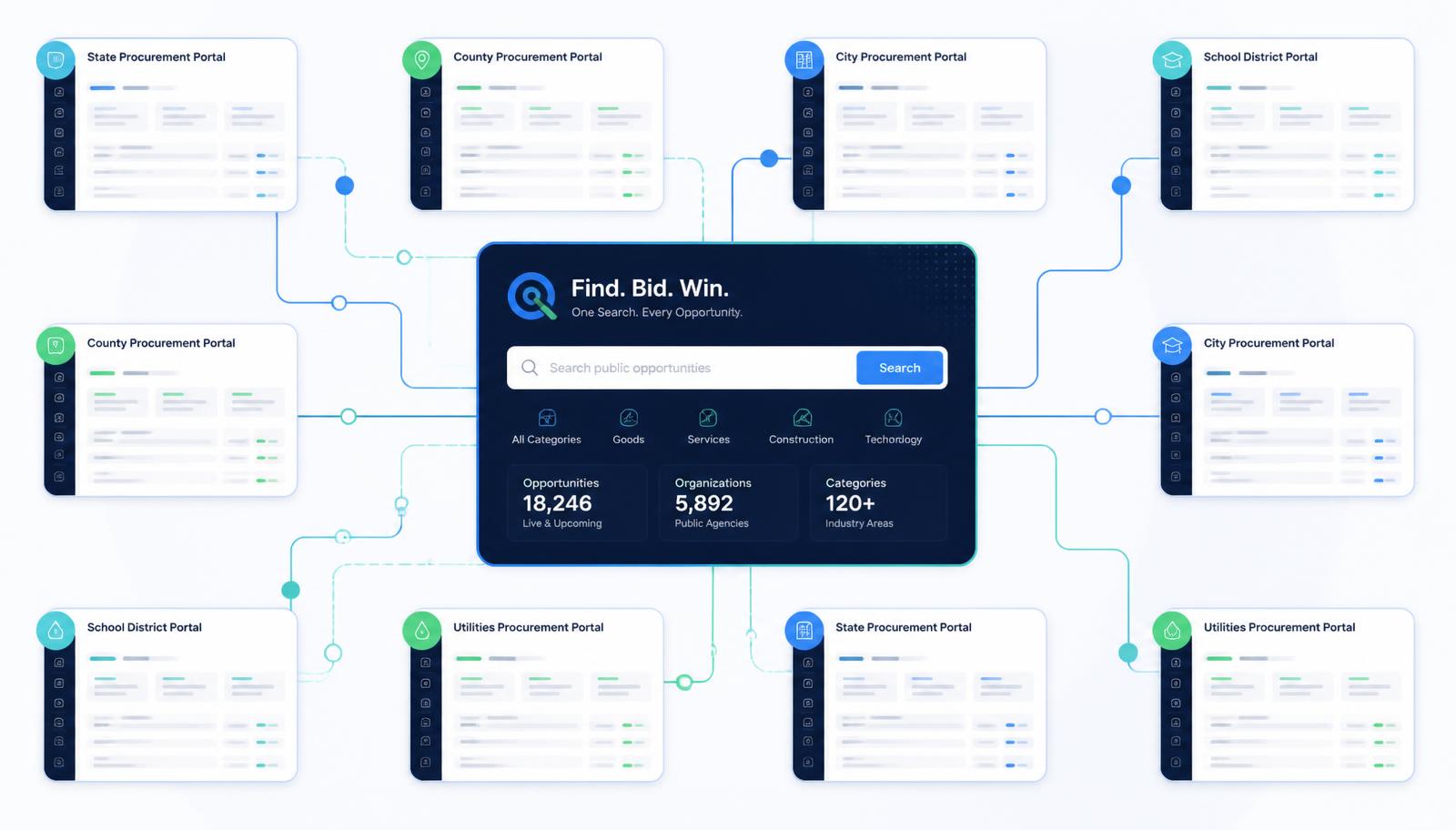
SAM.gov Isn't the Only Place to Find Government Contracts
SAM.gov is the official source for federal opportunities. State, county, city, school district, and public authority contracts are published somewhere else entirely — here is where.
9 min read
Read Article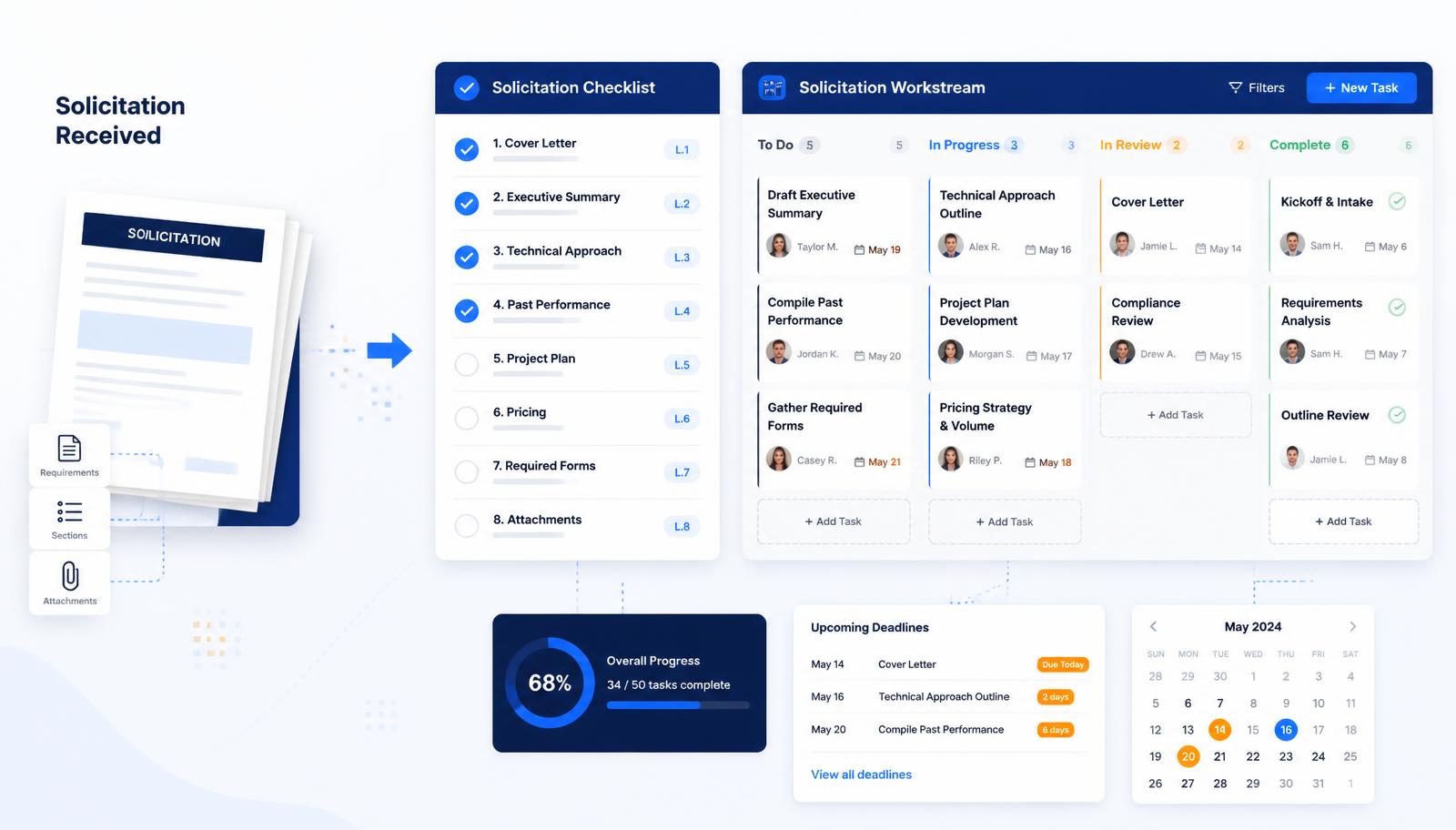
How to Bid on Government Contracts: A Practical Guide for Small Businesses
Most losing bids fail on completeness, not price. A ten-step process for reading a solicitation, making a bid/no-bid call, and submitting a compliant response on time.
11 min read
Read Article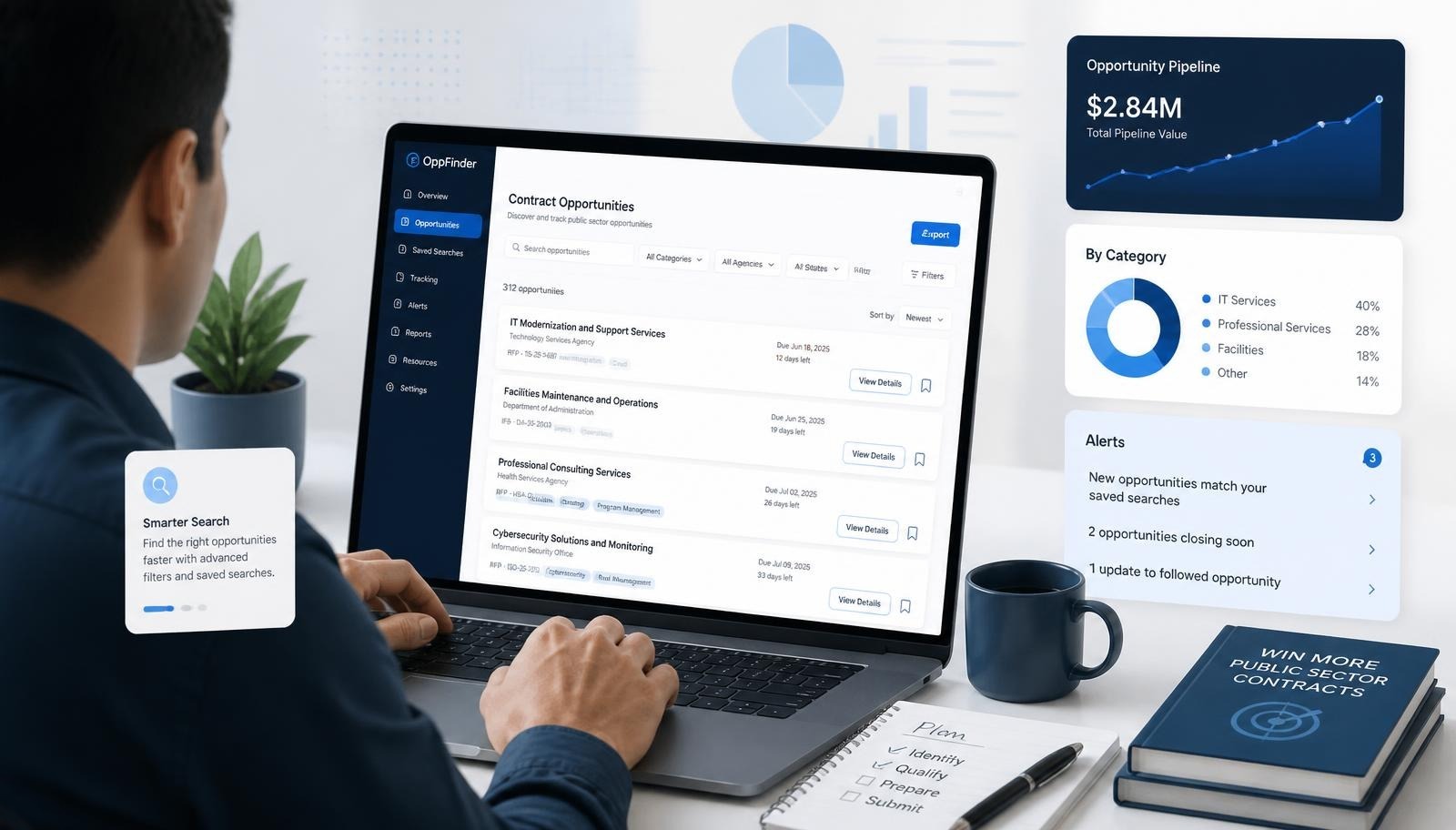
How to Find Government Contracts for Small Businesses: A Step-by-Step Guide
Government agencies buy janitorial services, IT, staffing, and hundreds of other everyday services. Here is where those opportunities are published and how to tell a realistic one from a long shot.
12 min read
Read Article